

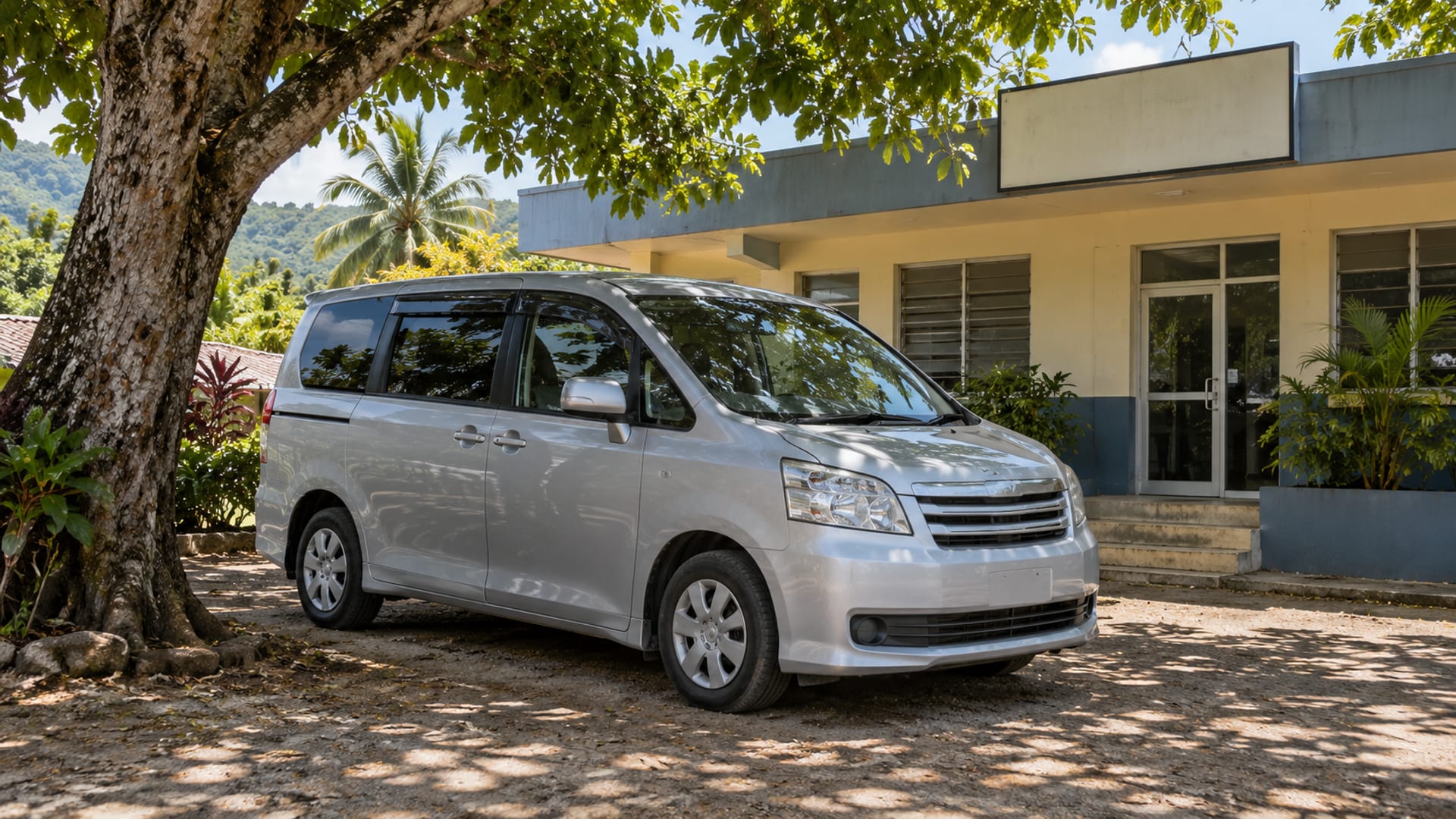
For transport operators
Claim Your Transport Business Listing
Claiming your Weh Fi Ride transport listing is free. Submit the business name, your name and role, a business email and phone number. A person reviews the claim and replies by email. An approved claim lets you correct the business name, contact details, services and areas served, and add a photo and short description.
What you can update
A claimed listing lets you request changes to:
- Business name, phone number, website and email
- Services and areas served
- Airports, towns, parishes, resorts or cruise ports served
- Operating hours and availability
- Vehicle types and passenger capacity
- Private, shared, scheduled, pre-arranged or group transport details
- One photo and a short business description
These details help people understand whether your service fits their plans. You can describe services using familiar terms such as taxi, airport transfer, hotel transfer, shuttle, excursion, island tour, charter, group transportation or car rental.
You may also use terms connected to your business, such as Public Passenger Vehicle, Route Taxi, Contract Carriage, JUTA, JCAL or MAXI, where they accurately reflect your own wording and service. Keep service descriptions separate from licensing claims. Confirm licence, insurance and airport authorisation with the relevant authority.
The Transport Authority’s licence information explains categories including Route Taxi, Stage Carriage, Express Carriage and Contract Carriage. If you refer to a licence or regulatory category in your business description, confirm the wording with the relevant authority.
Who can claim a business listing?
The person submitting the claim should own the business or have permission to represent it. Google’s Business Profile ownership guidance says authorised representatives should work directly with the business owner and should not claim a profile without express consent.
You do not need directory management experience. If you are an owner, manager or authorised staff member, provide your role and business contact details so the request can be considered.
How the review works
A person reviews every claim before anything changes. We may call the phone number shown on the listing to confirm the request.
The result is sent by email. Please use an email connected to the business where possible, and write the requested corrections clearly. Keep your public business details available while the claim is reviewed.
Send your claim
Use the claim form for the listing you want to update. The business name should be prefilled from the listing.
Please provide:
- Business name: prefilled from the listing
- Your name: the person submitting the request
- Your role at the business: owner, manager or another authorised role
- Email at the business: an address connected to the operator
- Phone number: a number where the business can be reached
- Requested corrections or updates: the exact details you want changed
Claiming is free. A person reviews the claim, may contact you to confirm it, and sends the result by email.
Claim this listing
Keep your listing clear for customers
Use the wording your business uses with customers, and include details that help people decide if your service fits their plans. You might mention Sangster International Airport, Norman Manley International Airport or Ian Fleming International Airport, along with the towns, parishes, hotels, resorts or ports you serve.
You can also state whether you provide a car, SUV, minivan, coach, wheelchair-accessible vehicle or another type of transport. If you state operating hours, passenger capacity or availability, keep those details current.
The Fair Trading Commission’s guidance on misleading advertising explains that public claims must not be false or likely to mislead in a material way.
Frequently asked questions
Does it cost anything to claim my listing?
No. Claiming a Weh Fi Ride transport listing is free.
Can an employee submit the claim?
Yes, if the employee is authorised to represent the business. State your role clearly and use a business email or another public business contact that helps connect you with the operator.
What if the phone number or website on the listing is wrong?
Write the correction in the requested updates field. Include the current phone number, website or social page so the request can be compared with the business’s public details.
Can I add a service area or vehicle type?
Yes. You can request changes to services, areas served, vehicle types, passenger capacity and availability. Describe only what applies to your business and keep the wording current.
What happens after I send the form?
A person reviews the claim and may contact the business to confirm it. The result is sent by email.